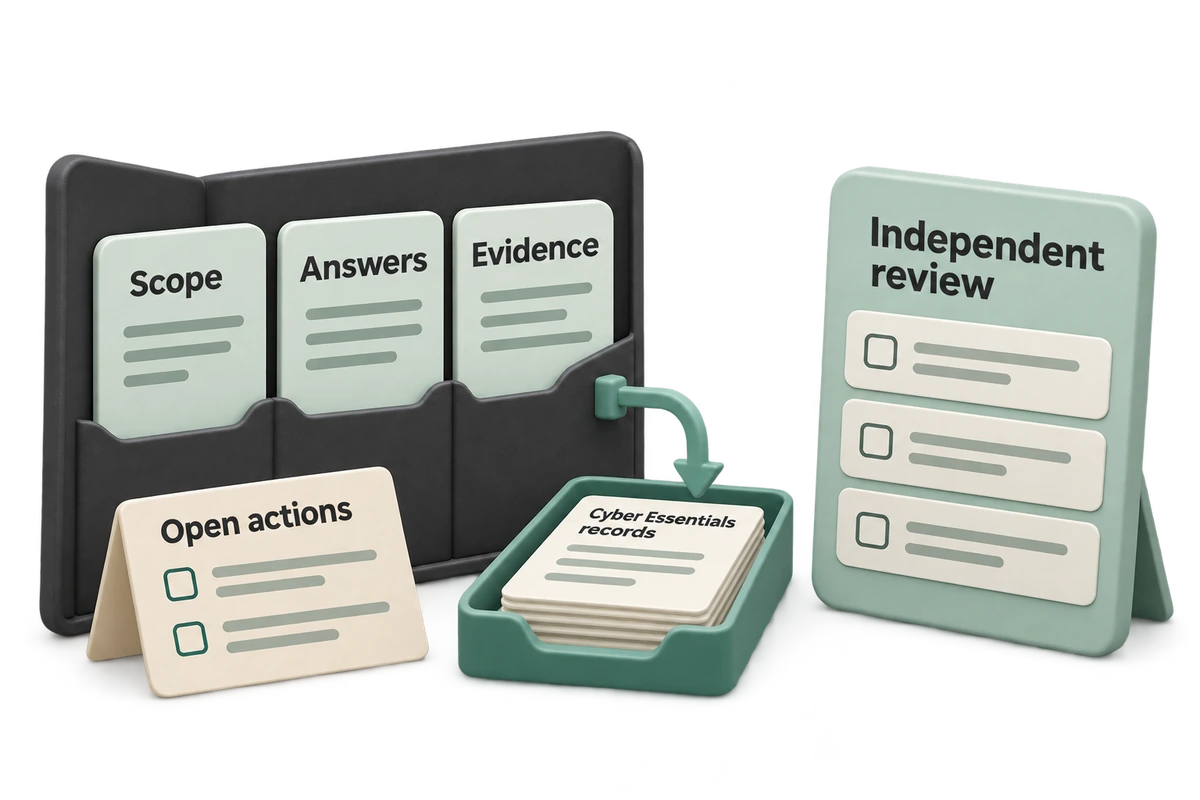
A practical application path
The applicant, adviser and assessor have different responsibilities throughout the process.
Confirm the need
Ask the buyer to confirm the required level, legal applicant, scope and evidence deadline. If your group has several entities, clarify which ones need to be covered.
Map scope and version
List work devices, cloud services and provider responsibilities. Then check which requirements and question set apply to the account you plan to buy. Ask the certification body about any version uncertainty.
Review evidence and fix gaps
Ask system owners how the protections work. Give each gap or unknown an owner and due date. The agreed implementation owners make changes and supply current evidence.
Choose a body and purchase
For CE, use IASME’s self-led route or choose a licensed certification body. Arrange Plus directly with a certification body. Before you buy, confirm the scope, price, inclusions and dates.
Approve and submit
Submit answers through the official assessment platform. A board-level representative, business owner or equivalent must approve their accuracy. For multiple included entities, the signatory must be authorised to represent them all.
Respond and record the outcome
Answer assessor questions by the stated deadline, then record the decision, certificate scope and dates. If you plan to take Plus, confirm the testing arrangements and final completion date with the certification body.
Before you buy
Before you open a paid account, confirm four things.
- Applicant
- You know the legal entity, certificate level, scope and evidence deadline.
- Technology
- The people responsible for devices, cloud services and providers can confirm how controls operate and provide evidence.
- Open gaps
- Each unknown has an owner, an action date and, if needed, a question for the certification body.
- Signatory
- A board-level representative, business owner or equivalent can review and approve the answers. For several included entities, confirm that the signatory is authorised to represent them all.
Roles in the application
Clear responsibilities help the applicant submit accurate answers and keep the certification decision independent.
- My part
- I support scope, gaps, evidence, agreed remediation and the handoff to the certification body.
- Applicant and IT provider
- Your organisation confirms the facts, approves changes and supplies evidence with the agreed implementation owners. The authorised signatory confirms that the application is accurate.
- Licensed UK certification body
- The assessor reviews CE answers or carries out agreed CE+ testing, handles queries and decides the outcome.
Fictional example: cloud sign-in is unclear
A charity cannot confirm whether MFA, the extra sign-in check, is enabled or which administrator accounts its provider uses.
- Next action
- The charity’s IT owner asks for current settings and assigns any needed change to an authorised provider contact.
- What this settles
- The charity keeps the question open until it can verify the settings. The signatory reviews the evidence before approving the answer.
Preparing for Cyber Essentials Plus
Pass CE before starting Plus testing, then complete the Plus assessment for the same scope within 90 days of the date of your verified self-assessment, as set out in IASME’s CE+ timelines. The certification body confirms the testing arrangements, access, findings and final date.
Related guides
Assessment versions
This guide reflects the IASME applicant process, current question set and certification-body directory. Confirm your account version and expiry, and the deadline for answering assessor questions.
Sources
Sources checked 31 October 2026.
- IASME: Certification Options (opens in a new tab)
- IASME: Schedule 16: Cyber Essentials Questionnaire (Danzell v16.3) (opens in a new tab)
- IASME: Find a Certification Body (opens in a new tab)
- IASME: Cyber Essentials frequently asked questions (opens in a new tab)
- IASME: Danzell v16.3 Questions (PDF) (opens in a new tab)
- IASME: Plus Timelines (opens in a new tab)
Your editable worksheet
The download includes a How to Use tab, a blank working sheet and a clearly fictional completed example. Keep sensitive information in your approved systems. The worksheet helps organise work. It does not establish compliance or certification.